Creating my First Unity Asset Store Asset
Publishing an asset on the Unity Asset Store. This has been a goal of mine for a long time. The problem: Media.
As a graduated software engineer, i have not touched a lot of the media editing tools that are available these days. Creating images for games and/or other purposes has always been an obstacle for me.
Recently I began to wonder whether, with the help of AI, it would be possible for me to generate media that would fit my standard and to be able to publish something.
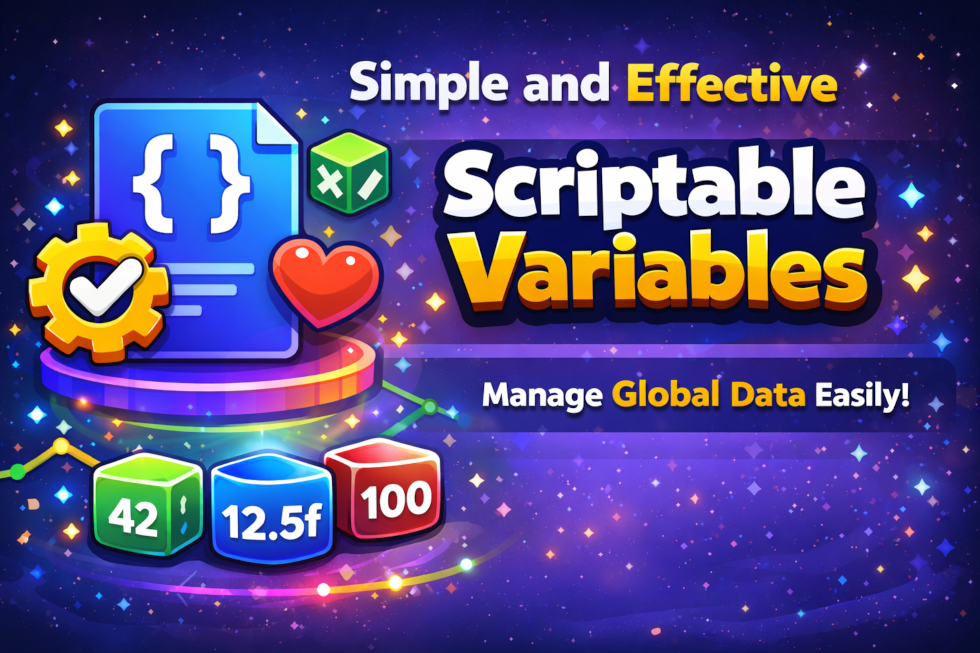
This is where my journey of creating my first Unity Asset Store package began.
I have learned over the years that the ScriptableObject class has a lot of powerfull features. As with any design pattern, developers tend to use it in exces, trying to find the perfect balance between useability and overengineering. I was no different.
The Scriptable Variables asset came from an idea first presented in a Unite Talk in 2016. Its simple but very effective. Why not make an asset of your variable? Why would you want to do this? Well, for the same reason you tend to wrap variables in your own code as well (see Nullable and Optional patterns for example).
Hiding value retrieval and value assignment behind a function or getter provides you with a lot of flexability and opportunities for creative solutions. I want to give users the freedom to explore those.
The goal of this library is to be simple and to the point. No complex and unnecessary options. Just the necessary and a lot of room for extendability.
The Scriptable Variables asset is inspired by a Unite Talk in 2016. I’ll share the link at the bottom of this article. The link to the asset on the Unity Asset store will also be there.
Products used for publication
- ChatGPT: generation of marketing images
- Elevenlabs: generation of voice over for instruction videos
- Microsoft Clipchamp: montaging of instruction videos